How Expense OCR Saves You Hours Every Month
Automate receipt and ticket capture with smart OCR. Learn how to save over 10 hours a month on expense management.
Key takeaways
- OCR removes most manual typing by extracting a receipt's data into a draft you review and confirm; the time saved depends on document quality and how many fields need correction.
- Extraction accuracy varies with document quality. Compare the draft against the original before confirming, especially on blurry or non-standard receipts.
- The average freelancer saves over 10 hours a month by automating expense capture
Contents
There is a ritual every freelancer and small business owner knows all too well: the receipt pile. That drawer, envelope, or folder where receipts accumulate for weeks until you finally sit down to type each one into a spreadsheet or your accounting tool. It is tedious, error-prone, and consumes time you could spend on what actually matters: your business.
OCR (optical character recognition) technology has been around for years, but only recently has it reached a level of accuracy and speed that makes it truly viable for daily expense management. In this article, we explain how it works, what you can expect, and how much time you will get back.
The hidden cost of typing receipts by hand
Let us do the math. An average freelancer generates between 80 and 150 expenses per month: fuel, meals, supplies, subscriptions, utilities. Manually logging each one means finding the receipt, reading the details (amount, date, vendor, description), typing them into the system, and assigning a tax category.
Average time per receipt: between 2 and 4 minutes. With 100 monthly expenses and a conservative average of 3 minutes, that is 5 hours per month spent exclusively on data entry. Factor in lost receipts, transcription errors, and reconciliation mismatches, and the figure easily climbs to 8-12 hours a month.
Those are hours you do not bill. Hours you do not spend acquiring clients, improving your product, or simply resting. And the worst part: it is work that adds zero strategic value. It is pure administrative inertia.
What OCR is and why it changes everything
OCR stands for Optical Character Recognition. At its core, it is the ability of software to “read” text within an image or scanned document and convert it into structured data that a computer can process.
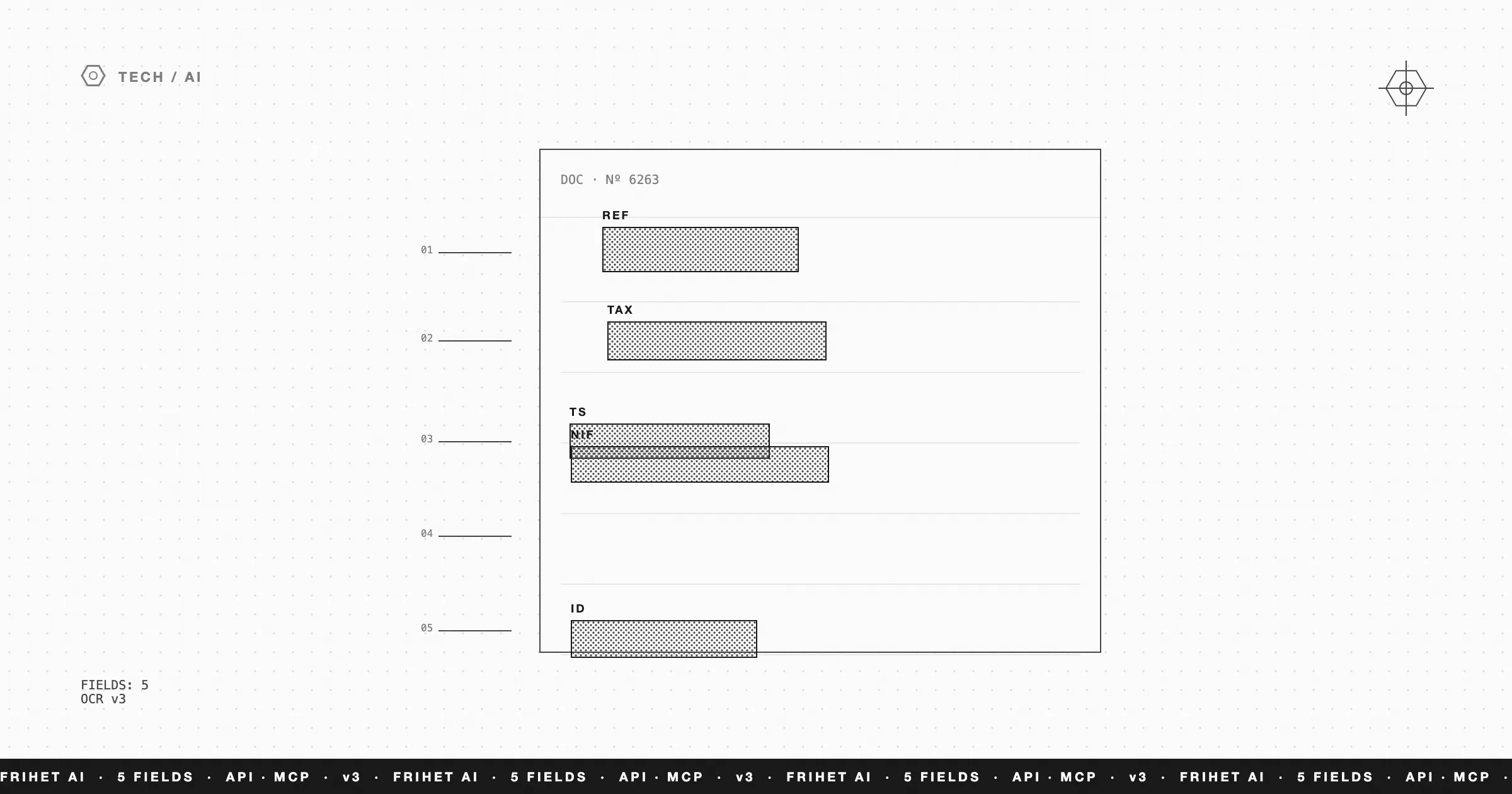
In the context of expense management, OCR takes a photo of a receipt or a PDF invoice and automatically extracts the relevant fields: total amount, date, vendor name, invoice number, tax base, VAT, and description.
Modern OCR is nothing like it was ten years ago. Today’s engines combine neural networks with language models that understand the context of a document. They do not just read letters: they understand the structure of a receipt, know where to look for the total, distinguish between VAT and the tax base, and even handle irregular formats like taxi receipts or restaurant bills.
From document to reviewable expense draft
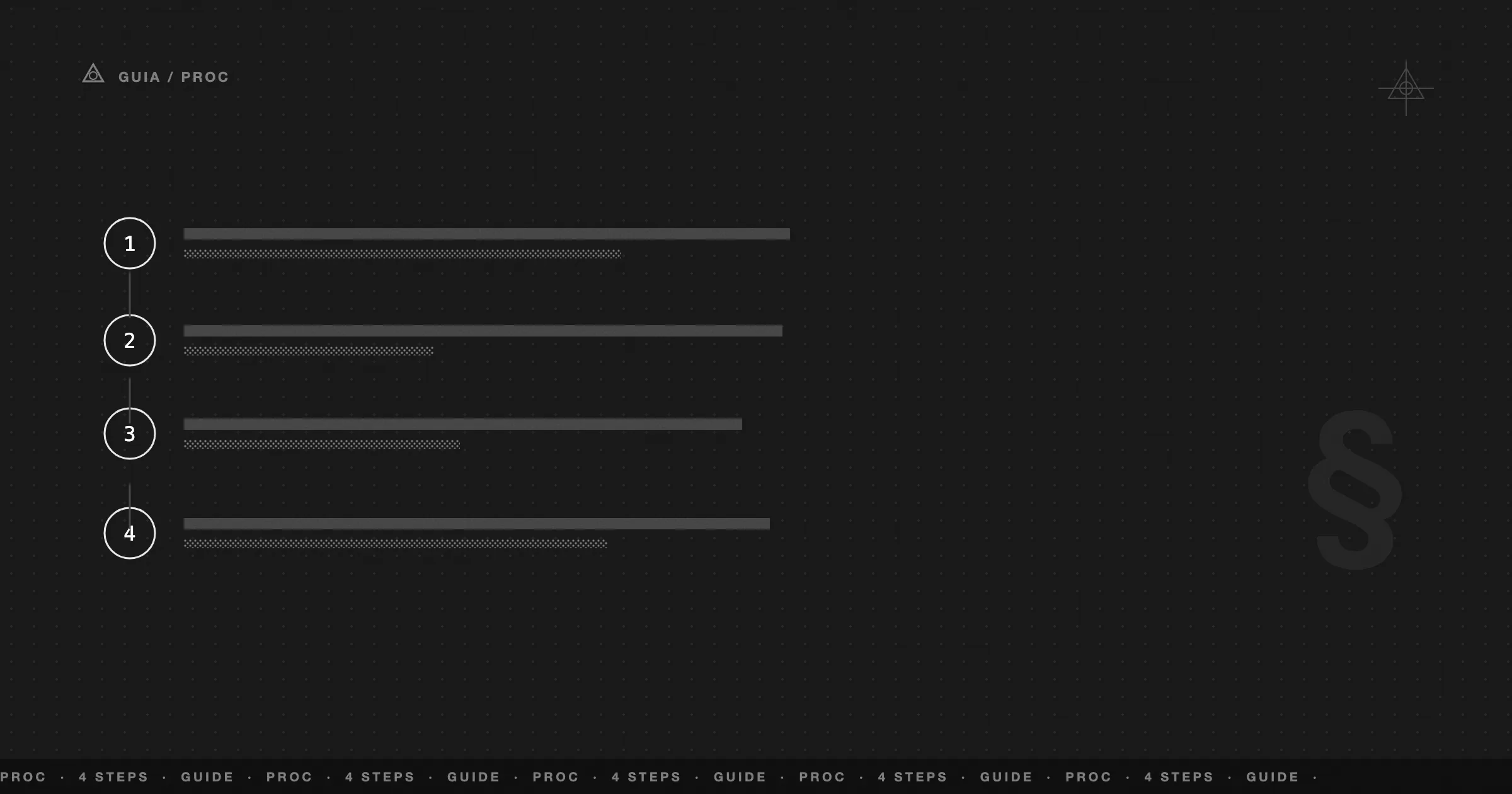
The workflow with OCR integrated into an ERP like Frihet is radically simple:
-
Capture. Take a photo of the receipt with your phone or drag the PDF into the expense panel. No separate app or dedicated scanner needed.
-
Extraction. The OCR engine analyzes the image in real time and extracts the key data: amount, date, vendor, tax ID, description, and VAT breakdown.
-
Categorization. The AI automatically assigns a tax category to the expense based on the detected vendor and description.
-
Validation. The extracted data appears on screen for you to review. If everything is correct, confirm with a single click. If something needs adjusting, edit only that field.
-
Recording. The expense is logged, categorized, and linked to the original document. Ready for your quarterly tax filing.
The automated extraction step is fast; the time you actually spend is the review in step 4, which varies with how many fields need a correction.
Beyond the receipt: intelligent categorization
Data extraction is just the first layer. The real power lies in what happens next: intelligent categorization.
When OCR identifies the vendor as a gas station, it suggests the category “Transportation.” When it detects a restaurant, it suggests “Meals and per diems.” Over time, the system learns from your corrections for a given vendor, so suggestions improve for your regular vendors.
This eliminates one of the most error-prone tasks in expense management: tax category assignment. A miscategorized expense can mean lost deductions or, worse, problems during a tax audit. Automation drastically reduces that risk.
The real impact: the numbers
Let us revisit the math from the beginning, but now with OCR:
- Without OCR: 100 expenses x 3 minutes = 300 minutes (5 hours). Adding errors and reconciliation: ~10 hours/month.
- With OCR: review time only, roughly 30-60 seconds per expense depending on corrections needed = 50-100 minutes. Adding occasional corrections: ~1-1.5 hours/month.
The difference is roughly 8-9 hours per month. Over a year, that is 100+ hours recovered — several full working weeks.
But the savings go beyond time. Add up:
- Fewer transcription errors. You eliminate the primary source of mistakes: manual typing. This translates to fewer discrepancies when balancing accounts and fewer corrections on quarterly filings.
- Complete documentation. Every expense is linked to its original image. If the tax authority requests receipts, you have them all digitized and accessible in seconds.
- Real-time data. By logging expenses instantly instead of letting them pile up, your financial dashboard reflects the reality of your business at all times, not the state of things three weeks ago.
Digitize your expenses without friction
Expense management should not be a burden. It is a necessary process, yes, but with the right tools it can be reduced to something nearly invisible in your daily routine.
At Frihet, we have integrated OCR directly into the expense management workflow. No external apps, no exports, no intermediate steps. Take the photo, review the data, and get on with your work. That simple.
If you are losing hours every month typing receipts by hand, the question is not whether you should automate it, but how much longer you can afford not to.
Was this article helpful?
FAQ
What types of documents can Frihet's OCR read?
Purchase receipts, PDF invoices, photographed paper receipts, bank statements, and payment confirmations. It supports documents in Spanish, English, French, and German.
Does it work with blurry or crumpled receipts?
Yes. The OCR engine applies preprocessing such as rotation correction and contrast enhancement, so it handles blurry or crumpled receipts reasonably well. Accuracy can drop on very poor-quality scans, so always compare the extracted draft against the original before confirming.
Does the OCR categorize expenses automatically?
Yes. Beyond extracting amount, date, and vendor, the AI classifies expenses into tax categories such as office supplies, transportation, meals, or professional services.